
Taking Better Debugging Notes
Software developers often encounter strange errors that don’t explain well how to solve the problem. They spend hours searching around the internet for hints on the cause. Sometimes you will get lucky and the answer is in the first result on Google (which is probably a link to Stack Overflow). In many cases though, you’ll actually have to spend hours tweaking search terms and combing through dozens of search results.
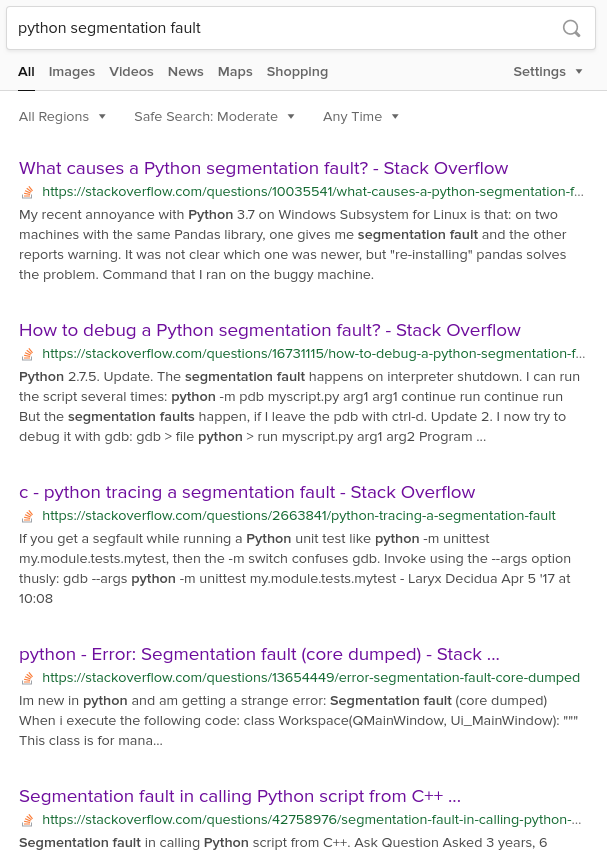
You’ll find the answer eventually. It may not be clear cut and you may have to adapt the information for the system you are working with, but the answer is found anyway. Problem solved.
6 months later… you encounter the same problem again! What search term did you use to find the answer? Which one of these dozens of links you clicked had the right information?
This doesn’t happen just once in a while. If it did, you could just use a browser bookmark and never worry about finding things again. This kind of thing happens all the time. Software development is complicated and there are lots of complicated problems. Browser bookmarks are optimal for having say… 3 bookmarks. Not 3 dozen.
There are plenty of great note taking apps out there. You could put your notes in those apps. However, while those apps are great for taking notes, they often treat your bookmarks as lesser information. At best you’ll get a link preview in the middle of your note.
Dynomantle treats your notes and your bookmarks as equally important. That means we index your notes and the actual content of your bookmarks when you search for information.

If a webpage had all the information you need, you can just add it to Dynomantle. No need to write anything in addition or copy and paste that page’s content into a note.

If you had to tweak a few details in the webpage’s answer or if you want to quickly summarize it, you can add the bookmark and take notes for it.
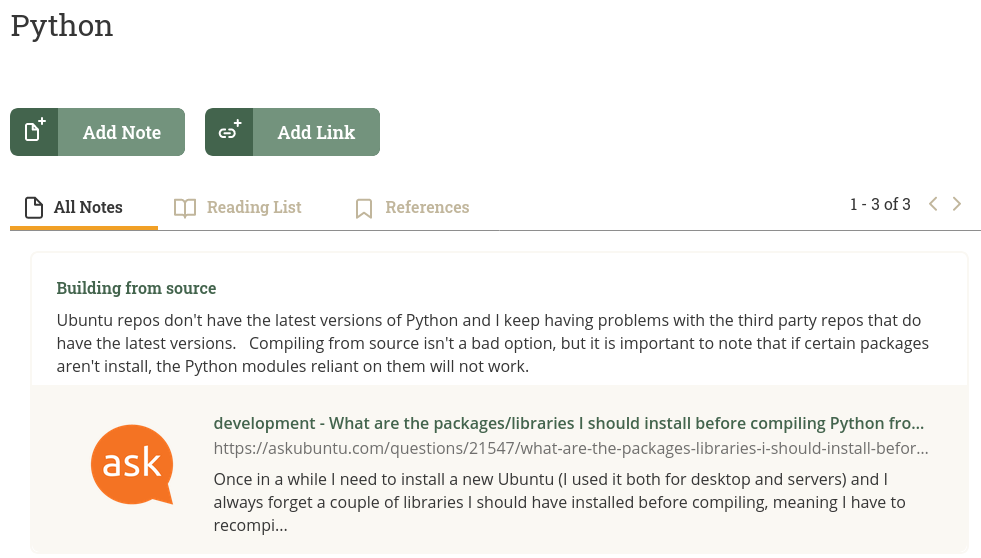
If you had to stitch together information from multiple webpages, you can add all of them as bookmarks to a single note. Dynomantle with index all of the content so that you don’t have to worry as much about what search terms to use to find it.

You can see an example of how Dynomantle works for programmers by signing up here.